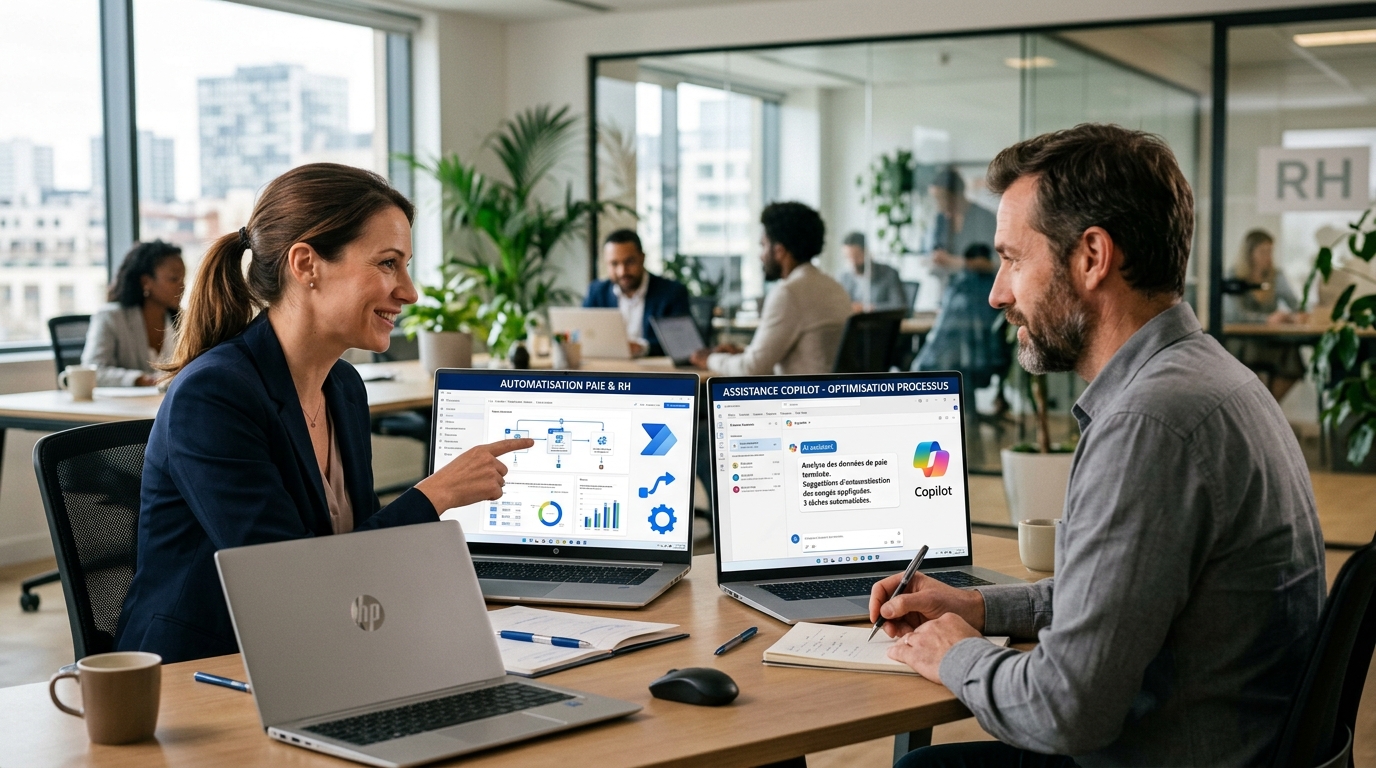
Revolutionize Your HR: Power Automate and Copilot, the Winning Duo
Discover how Power Automate and Copilot are transforming HR management and payroll by automating tasks and optimizing processes with AI.
In a constantly evolving professional world, efficiency is key. For HR, payroll, and labor law professionals, this often means juggling a multitude of repetitive and time-consuming tasks. Fortunately, artificial intelligence (AI) and automation are coming together to offer innovative solutions. This article explores how two powerful Microsoft tools, Power Automate and Copilot, can be used together to revolutionize your professional daily life.
Understanding Power Automate and Copilot
Power Automate: The Orchestrator of Your Workflows
Power Automate, formerly Microsoft Flow, is a service that allows you to create automated workflows between your favorite apps and services. Whether it's synchronizing files, receiving notifications, collecting data, or approving requests, Power Automate can trigger actions based on specific events. Its principle is simple: "If this, then that." It is the digital right-hand man that flawlessly executes your repetitive tasks, thus freeing up valuable time for more high-value missions.
Copilot: Your Intelligent AI Assistant
Copilot is much more than just a tool; it's an AI-powered assistant that integrates directly into the Microsoft 365 applications you use daily (Word, Excel, PowerPoint, Outlook, Teams, etc.). It uses large language models to understand your natural language queries and help you accomplish various tasks: drafting emails, analyzing data, creating presentations, summarizing conversations, or even generating code. Copilot acts as an intelligent collaborator, enhancing your cognitive and creative abilities.
The Perfect Synergy: Why Use Them Together?
The union of Power Automate and Copilot is a true revolution. Where Power Automate excels in executing predefined sequences of actions, Copilot brings intelligence, natural language understanding, and the ability to generate relevant content. Together, they create an intelligent automation system that can:
- Boost productivity: By automating not only actions but also the cognitive aspects of tasks.
- Improve decision-making: By providing quick analyses and summaries thanks to AI.
- Reduce human errors: Automated workflows and intelligent assistance minimize risks.
- Unlock human potential: Teams can focus on innovation, strategy, and human relationships.
How to Combine Power Automate and Copilot in Your Daily HR Routine?
1. Copilot for Creating and Optimizing Power Automate Flows
One of the most direct ways to integrate Copilot is to use it from the design of your Power Automate flows. With Copilot, you can describe the flow you want to create in natural language, and it will generate a draft of this flow for you. This is a considerable time saver, especially for less experienced users. For example, you might say: "Create a flow that sends a welcome email to a new employee when a line is added to my SharePoint list of new hires, then create a task in Planner for the manager." Copilot can then propose a flow structure that you only need to refine.
2. Power Automate Integrating Copilot's Intelligence into Its Flows
This is where the real magic happens. Power Automate can trigger actions that leverage Copilot's capabilities. Imagine the following scenarios in HR, Payroll, and Labor Law:
- Onboarding/offboarding management:
- A new employee arrives: Power Automate triggers the creation of their account, access to tools, etc. Meanwhile, Copilot, powered by the job profile, can generate a draft personalized welcome email for the manager or even prepare a first draft of an integration plan.
- An employee leaves: Power Automate deactivates access. Copilot can help draft a thank-you email for the collaboration or summarize ongoing tasks to be transferred.
- Employee request processing:
- An employee submits a leave request or a question via a SharePoint form: Power Automate captures the request. Copilot can analyze the content of the request, identify the main subject, and suggest a pre-written response or redirect it to the right contact with a relevant summary.
- Example: A complex request about the collective agreement. Power Automate sends it to Copilot, which extracts key points, identifies relevant articles from the labor code if available in your knowledge base, and proposes a first draft of an argued response.
- Payroll and compliance optimization:
- Data collection: Power Automate gathers timesheets, expense reports, bonus information.
- Analysis and alert: Copilot could be used to help detect anomalies in the data (e.g., unusual discrepancies from the average salary for a given position, or overtime not compliant with agreements). Of course, this would require integration with specific databases and crucial human oversight.
- Regulatory watch: Power Automate can monitor legal sources. Copilot could then summarize important regulatory changes and their potential implications for the company, alerting HR and legal teams.
- Intelligent HR reporting:
- Report generation: Power Automate collects HR data (turnover, absenteeism, recruitment). Copilot can then help generate report narratives, explaining trends and suggesting analysis avenues, turning raw numbers into actionable insights.
- Interview preparation: Copilot can help generate relevant questions for an annual performance review, based on the employee's goals and collected feedback.
Implementation: Practical Tips to Get Started
Integrating Power Automate and Copilot is not just a technical feat; it's also a strategic approach. Here are some tips for successful implementation:
- Start small: Identify one or two repetitive and low-risk tasks to experiment with. Simple onboarding, a document request, or a validation alert are good starting points.
- Clearly define your objectives: Before building a flow, know precisely what you want to automate and what role Copilot will play in this process.
- Training and awareness: Ensure your teams understand how these tools work and their benefits. Resistance to change is often a major obstacle.
- Security and compliance: Always be vigilant about the data being processed, especially personal data. Ensure your flows comply with GDPR and your company's internal policies. Human intervention for validating AI-generated information remains essential.
- Iterate and improve: The first flows may not be perfect. Test, gather feedback, and adjust.
Conclusion: Towards Augmented HR Management
The combination of Power Automate and Copilot represents a major advancement for HR, payroll, and labor law professionals. It does not aim to replace human expertise but to augment it, freeing teams from the constraints of repetitive tasks to allow them to focus on people, strategy, and complex decisions. By adopting these technologies, companies can not only increase their efficiency but also offer a better employee experience and position themselves at the forefront of digital transformation. The future of HR management is intelligent, automated, and, above all, augmented by humans.